
Set Up Your AI Assistant Just By Talking
No computer skills needed. Just tell Yobi what you want, show it how you like to talk to customers, and it starts working for you 24/7. It's like training a new staff member—just talk to it naturally.
Train By Talking
Set up your AI by talking to it, not typing code
Ready in Minutes
From idea to working AI helper in under 10 minutes
Safe & Secure
Your information is always protected and private
How to Set Up Your First AI Helper
Watch this step-by-step tutorial. See how easy it is to set up and customize your AI assistant—no computer skills needed, just talk to it naturally.
What You'll Learn in This Tutorial
- Train your AI helper just by talking to it
- Show it how you like to talk to customers
- Add your business information and common questions
- Customize how it responds to customers
- Test your AI helper before it starts working
- Use it for phone calls, texts, and emails
Train It Like a New Staff Member
Set up your AI helper by talking to it—just like training a new receptionist. No complicated computer setup needed.
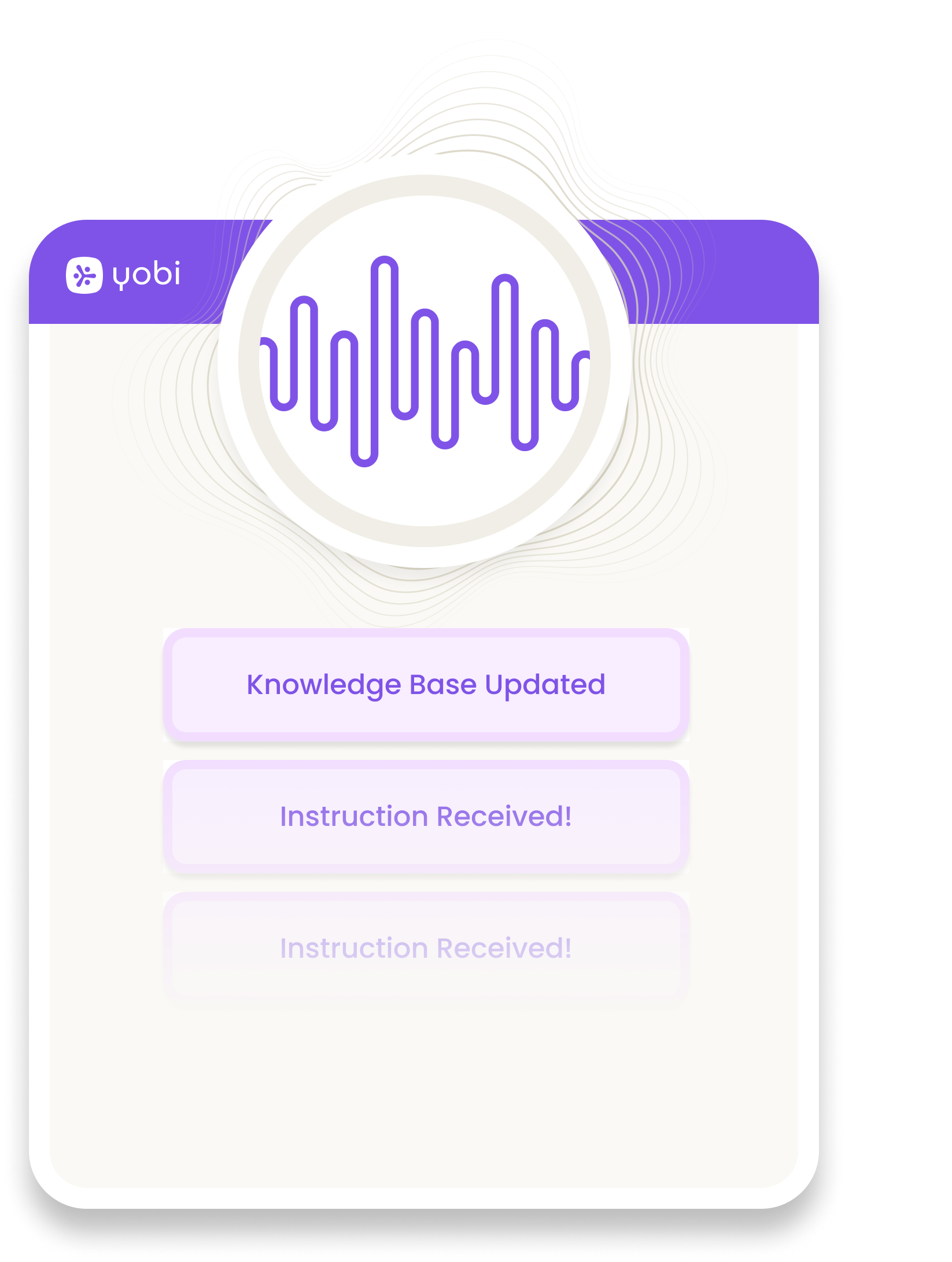
Tell Us What You Need
We guide you through setup with simple questions and templates made for practices like yours.
Tell Us What You Need
Just talk to Yobi about your practice. Tell us about your business and how you want your AI helper to talk to customers.
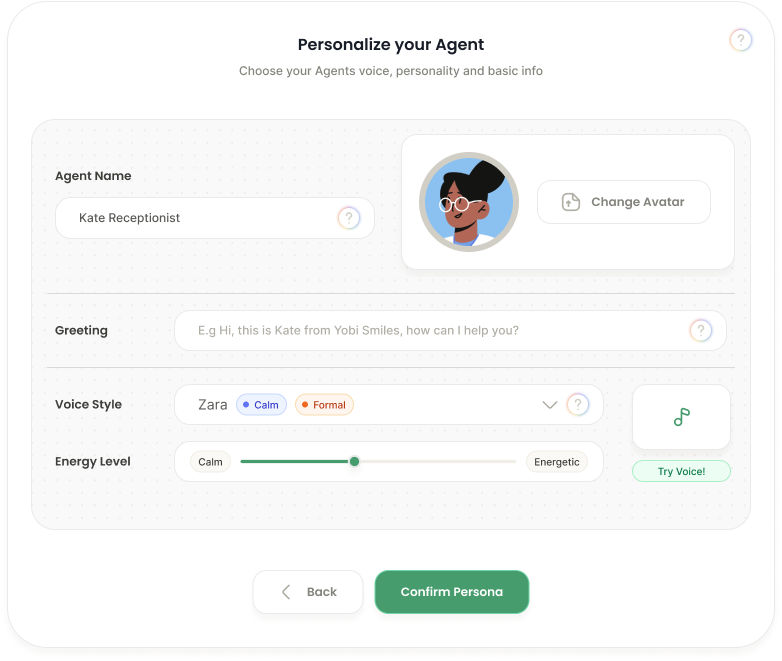
Train & Customize
Customize how it sounds and responds by giving examples. Make it match your practice style.
Train & Customize
Add your common questions, procedures, and information. Show your AI helper how you like to talk to customers—it learns from you.
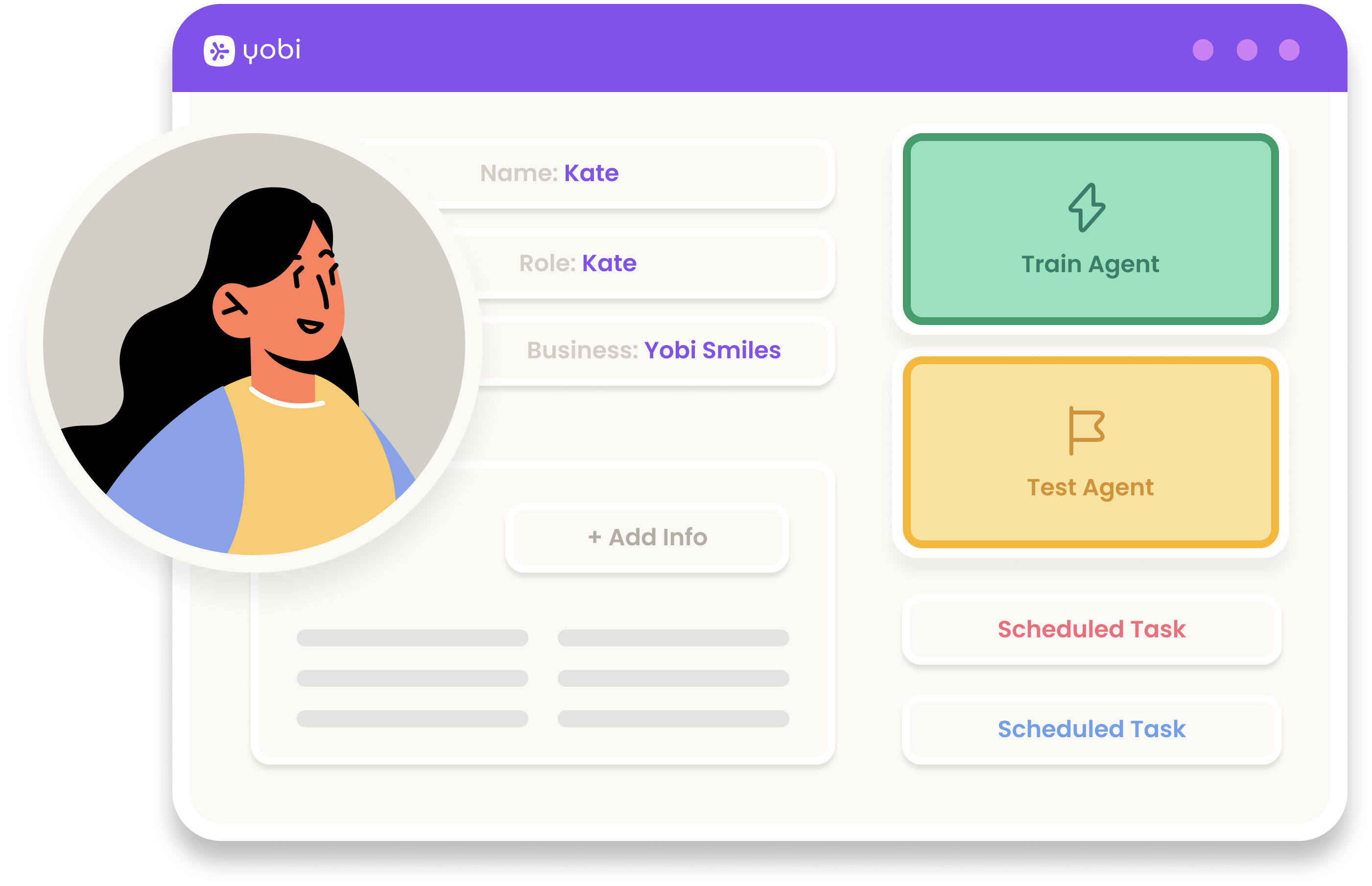
Start Using It
See how it is doing anytime. It learns from each conversation and gets better automatically.
Start Using It
Turn on your AI helper for phone calls, texts, and emails. Yobi watches over it and helps it get better at its job every day.
Watched Over by

Every AI helper you set up is watched 24/7 by Yobi One, your AI office manager. It makes sure everything works right and helps your AI helpers do their job better—so everything runs smoothly.
What Your AI Helpers Can Do For You
Real results from practices that use Yobi AI helpers every day
Calls Answered
of customer calls handled by AI helpers without human intervention
Setup Time
average time to get your first AI helper up and running
Always Available
your AI helpers work around the clock, never taking breaks
More Efficient
increase in response speed compared to traditional methods
Different AI Helpers for Different Jobs
Choose from ready-made helpers to get started fast, or create your own custom helper for exactly what you need. Each one learns about your practice and how you like to do things.

New Patient Helper
Welcome new patients, collect their information, and make sure they have a great first visit. Helps with forms, paperwork, and answering first-time questions.

Custom Helper
Make your own AI helper that does exactly what you need for your practice. Train it to handle your specific way of doing things.

Healthcare Helper
Book appointments, answer health questions, and collect patient details. Keeps all patient information safe and private.

Information Collector
Ask customers questions, gather feedback, and collect important information. Makes sure you get all the details you need.

Practice Representative
Tell customers about your practice, answer questions about your services, and talk to people the way you want your practice represented.

Staff Helper
Answer staff questions, schedule job interviews, handle applications, and help with staff paperwork. Keeps everything private and organized.
20+ ready-made AI helpers • Trusted by 10,000+ practices
Trusted by Business Owners
Join thousands of practices already using Yobi AI helpers every day
“Set up my AI receptionist in 10 minutes. No computer skills needed, just talked to it. Now it answers 80% of my calls.”
Sarah Chen
CEO, TechFlow Solutions
Sarah Chen
CEO, TechFlow Solutions
“I'm not technical at all. Yobi made it so simple. Training it by talking is way easier than typing instructions.”

Mike Rodriguez
Owner, Rodriguez Law Firm
Mike Rodriguez
Owner, Rodriguez Law Firm
“We set up 3 AI helpers in one afternoon. Each one learned our way of doing things, not some generic script.”
Jessica Park
Operations Director, HealthPlus
Jessica Park
Operations Director, HealthPlus